Big Walk Walkthrough
This is a lightly spoiled navigation hub, not an official linear solution. Community guides often follow the opening area, Red Bridge, Red Tower and map, then other towers, the train, and the ending; official sources only establish that Big Walk is an open-world cooperative adventure to explore at your own pace.
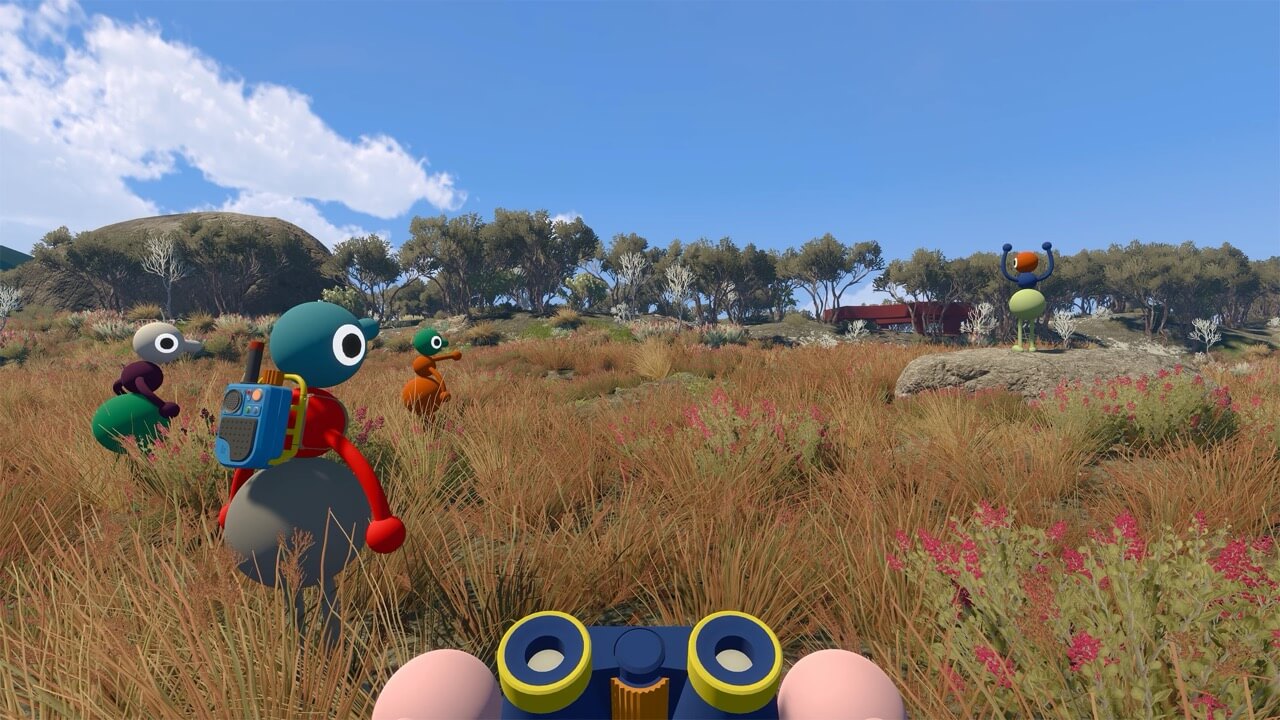
Read the route status first
- Official world structure
- Open world
- Official pacing
- Explore at your own pace
- Community route
- Opening → Red Bridge → Red Tower/map → other towers → train → ending
- Official fixed order
- Not published in the reviewed sources
Stage 0: prepare the session
- Choose the long-term host because that player's system keeps the world save.
- Select the two-player, three-player, or four-plus world version for the expected group.
- Share the Join Code generated for the active session.
- Test built-in voice and text while everyone is close together.
- Enable challenge skipping during host setup if anyone may need it; the official FAQ says this choice is made before the session starts.
Stage 2: community Red Bridge route
GameRant and other launch walkthroughs describe Red Bridge as an early key puzzle and point onward toward Red Tower. Treat those labels as navigation clues, not as an official promise that every group must solve this area first.
- Regroup before interacting with the reported puzzle area.
- Check landmarks and current world state before concluding that an object is missing.
- Use the dedicated Red Bridge page for evidence-labeled, low-spoiler preparation.
- Do not publish or rely on exact item counts and interaction order until the current version has been reproduced in-game.
Stage 3: community Red Tower and map route
Polygon and GameRant connect an early Red Tower visit with obtaining the map. This is useful third-party route reporting, but official material reviewed here does not designate Red Tower as a mandatory first tower or publish a canonical map unlock sequence.
- Use tower color plus a nearby landmark in every callout.
- Record whether the host or a guest performed the interaction.
- Compare the guide date and game version when the world state differs.
- Continue through the map and towers page before using exact-location spoilers.
The five-part community route
The linked bigwalk.online walkthrough organizes the adventure into a practical five-part route. Only the opening beach is presented there as a fixed gate; the later tower order is a community route and may be flexible.
- Opening
- Beach puzzle → open the crosswalk
- Red Tower
- Reach the map room
- Blue Tower
- Three-train route
- Green Tower
- Chairlift route
- Yellow Tower
- Tunnel route
- Community guides describe tower puzzles as providing control-panel pieces.
- The Blue Tower route specifically reports five pieces, a Blue key, five key cutters, and station slots.
- Treat every count and item name as third-party reporting until reproduced against the current build.
- If your world state differs, do not force the published order; record the host save state and current patch first.
Later towers, train, and ending
Community walkthrough indexes continue from the map into other tower objectives, then train and ending coverage. The official Press Kit confirms that the handcrafted adventure has an ending, but it does not publish the required tower count, a train checklist, or the final interaction sequence.
How to verify a route before publishing it
- Record game version, platform, host role, world-size choice, and party size.
- Capture the state before and after the interaction.
- Repeat the route from a fresh or known save state.
- Test whether a different order changes the result before calling a step mandatory.
- Label a result as official fact, third-party report, editorial advice, or hands-on verification.
Sources and evidence boundary
- Official Big Walk Press KitOfficial open-world structure, pacing, cooperative design, and ending.
- Official Big Walk FAQHosting, Join Codes, communication, and challenge skipping.
- bigwalk.online community walkthroughThird-party five-part route covering the beach, towers, trains, chairlift, and tunnels; exact steps require current-build verification.
- IGN Big Walk walkthroughThird-party walkthrough index; not an official fixed order.
- GameSpot Big Walk tipsThird-party launch advice; use as reported guidance.
- Polygon tower-order guideThird-party route recommendation requiring hands-on verification.
- GameRant Red Bridge guideThird-party early-puzzle reporting; exact solution not reproduced here.
- GameRant Red Tower and map guideThird-party tower/map reporting; exact route not reproduced here.
Last verified: 2026-08-06